

Last updated:
Estimated reading time: 10 minutes
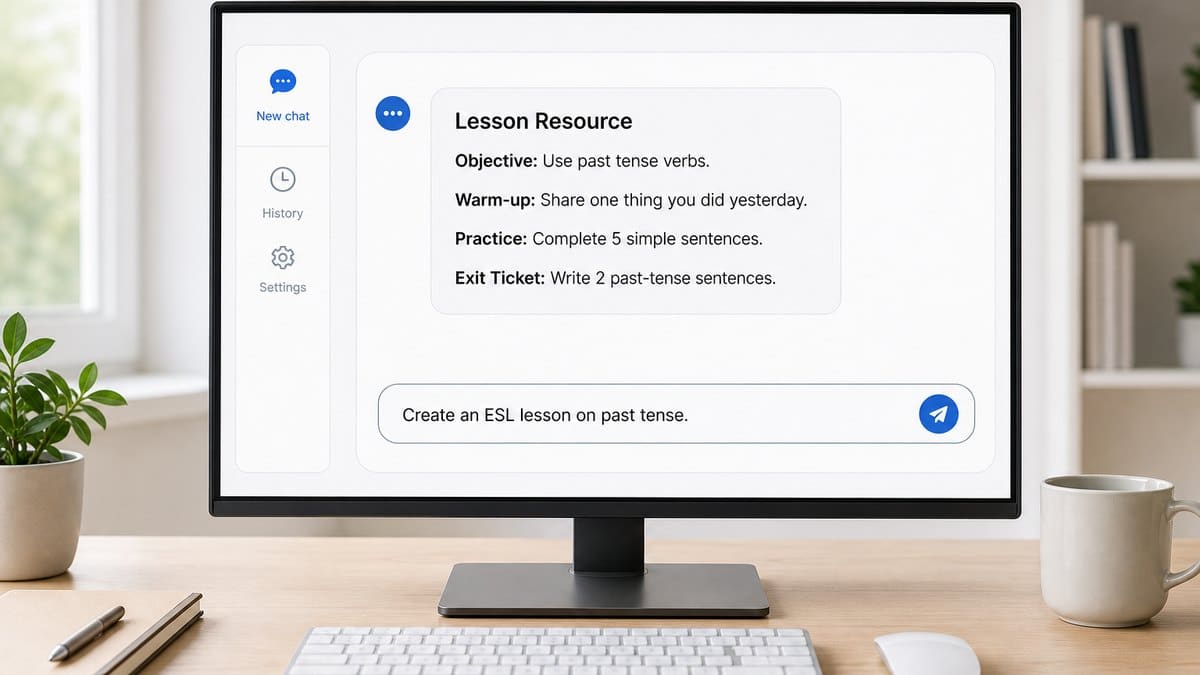
ESL teacher resources for K-12 fall into three groups: official materials from the agencies that write the tests and standards, practice and planning resources organized by the task in front of you, and AI tools that turn any of them into materials at your students’ level. This guide starts with the best free ESL teacher resources by task, then shows ELL and bilingual teachers how to generate their own with AI. AI resources for ELL teachers are not another library of downloadable worksheets. They are a faster way to create your own standards-aligned lessons, worksheets, and activities, using tools you already have like ChatGPT, Claude, or Gemini. This guide shows ELL and bilingual teachers how to generate high-quality, differentiated resources with AI, with ready-to-use prompts you can copy today.
Table of contents
ESL Teacher Resources by Task
Quick answer: the most useful free ESL teacher resources are the official practice tests and standards for your state’s English language proficiency test, a bank of speaking activities, leveled lesson plans and writing prompts, and a reusable library of AI prompts. The table sends you to the guide for each job.
| Task | Resource |
|---|---|
| Prepare students for the state English proficiency test | WIDA ACCESS practice test, ELPAC practice test, TELPAS practice test, NYSESLAT practice test (last given in spring 2026), ELPA21 practice test, AZELLA practice test |
| Build speaking practice | ESL speaking activities and how much speaking practice English Learners need |
| Plan lessons | ESL lesson plans, language objectives with examples, AI lesson planning |
| Make worksheets and writing tasks | ELL worksheets, ELL writing prompts |
| Save time with AI | AI prompts for ELL teachers and the prompt builder below |
| Support newcomers | Newcomer programs |
| Choose tools and programs for a school or district | Resources for ELLs, the district-level guide |
Build Your Prompt in 20 Seconds
The hardest part of using AI is writing the prompt. Skip that: pick your task, standard, proficiency level, grade, and topic, then open the ready prompt in ChatGPT, Claude, or Gemini.
What AI Adds to ESL Teacher Resources
Quick answer: for ELL teachers, AI resources mean using tools like ChatGPT and Claude to generate lessons, worksheets, activities, and assessments tailored to your students’ grade, proficiency level, and standards, in seconds, instead of searching for a pre-made file that never quite fits. The skill that matters is not finding resources but writing good prompts.
How AI Is Changing ELL Teaching
Teachers of English Learners face a differentiation problem no resource library solves: one class can hold newcomers, on-track ELs, and Long-Term English Learners at once. AI changes the economics of differentiation. A single prompt can produce the same activity at three proficiency levels, with scaffolds, sentence frames, and a speaking extension, in the time it used to take to find one worksheet.
The Three-Level Prompt Framework
The difference between a mediocre AI output and a classroom-ready one is the prompt. Use these three levels, which every article in this hub follows:
| Level | What you add |
|---|---|
| Basic prompt | The task, in one line. Works immediately. |
| Better prompt | Grade, proficiency level, standard, objective, success criteria. |
| Expert prompt | Differentiation, accommodations, scaffolding, extension, a speaking component, and an assessment rubric. |
An expert prompt for that worksheet would read: create a worksheet for Grade 3 English Learners at WIDA Level 2 on academic vocabulary for habitats, with matching exercises, sentence frames, one speaking extension, scaffolds for emerging learners, and an answer key. The builder at the top of this page writes prompts like this for you.
The Resource Guides in This Hub
- ChatGPT for Teachers: how to use it well for ELL, with prompts.
- ELL Worksheets: create better worksheets with AI.
- ESL Lesson Plans: generate standards-aligned plans.
- ESL Speaking Activities: build oral language practice.
- ELL Writing Prompts: scaffold writing at every level.
- AI Prompts for ELL Teachers: a ready-to-use prompt library.
- Gemini for Teachers: Google’s AI, ELL-angled.
- Claude for Teachers: strong for writing and feedback.
- AI Lesson Planning: plan faster with AI.
- Best AI Tools for English Learners: a buyer’s guide by category.
Free Official Resources Every ESL Teacher Should Bookmark
- Your test’s own site. The consortium or state that writes your English proficiency test publishes its standards, proficiency level descriptors and practice items for free: WIDA in WIDA states (New York gave its final NYSESLAT in spring 2026 and moves to WIDA ACCESS in 2027), the California Department of Education for the ELPAC, TEA and the TXEL portal in Texas, and ELPA21 in its member states.
- Colorín Colorado, a free bilingual site for educators and families of English Learners, with classroom strategies, videos and research summaries.
- The U.S. Department of Education’s NCELA, a national clearinghouse with Title III information, state profiles and data on English Learners.
Professional Development for ESL Teachers
Most ESL teacher professional development comes from the same few sources: the test consortium (WIDA offers professional learning on its standards and assessments, some of it free), your state’s regional service centers, and professional associations such as TESOL International Association. If you are adding an ESL credential, certification rules are set by each state; see ESL teacher certification, and for Texas, Texas bilingual and ESL certification.
Best Practices
- Always give the AI the standard and proficiency level. “WIDA Level 2” or “CA ELD Expanding” changes everything.
- Ask for scaffolds and a speaking component. AI rarely adds them unless told.
- Review before you use. Check accuracy, cultural fit, and reading level yourself.
- Keep student data out. Never paste student names or identifying information into a public AI tool.
Common Mistakes
- Vague prompts (“make a worksheet”) that produce generic, off-level material.
- Skipping the speaking and differentiation components ELs need most.
- Using AI output without a teacher review for accuracy and bias.
- Pasting student data into public tools.
Build a Prompt Library You Reuse
The biggest efficiency gain from AI comes not from writing a great prompt once, but from saving it so you never write it from scratch again. A worksheet prompt that works for a Grade 3 habitats lesson at WIDA Level 2 will, with two or three edits, work for a Grade 4 ecosystems lesson at Level 3. Treat your best prompts as reusable templates. Keep them in a simple document with placeholders for the parts that change, the grade, the proficiency level, the standard, and the topic, and copy a template each time rather than starting over. Over a few weeks you build a personal library that covers your recurring tasks: leveled readings, vocabulary sets, sentence-frame scaffolds, speaking prompts, and rubrics.
This pays off even more at the team level. A grade-level or ELD department that shares a common prompt bank gets consistency across classrooms and saves every teacher the setup time. It also raises quality, because a prompt refined by several teachers tends to be sharper than one written alone. If your school uses a shared drive, a single folder of vetted prompt templates, organized by task, becomes one of the most practical AI resources a team can own, and it grows more valuable every time someone improves a template.
Using AI Responsibly for ELL Materials
AI drafts quickly, but the teacher remains the editor, and for English Learner materials a few review habits matter especially. Check the reading level against your actual students, since AI can misjudge what a given proficiency level looks like. Read for cultural relevance and bias, because generated examples can lean on assumptions that do not fit multilingual learners or that rely on cultural knowledge a newcomer may not share. Verify any facts in a generated text, as AI can state things confidently that are wrong. And keep student data out of public tools, removing names and identifying details before asking for feedback on any real student work.
These habits also connect to a larger shift districts are navigating. State and district AI policy has expanded quickly, with most states now publishing K-12 AI guidance and many districts adopting acceptable-use policies that address permitted uses, data privacy under FERPA and COPPA, academic integrity, and transparency to families. Following your district’s policy is not red tape; it is what lets you use these resources with confidence. A teacher who reviews outputs carefully and stays within district guidance gets the speed of AI without trading away accuracy, fairness, or student privacy.
Frequently Asked Questions
What are the best free resources for ESL teachers?
Start with the official materials for your state’s English proficiency test (standards, level descriptors and practice tests), then add Colorín Colorado for strategies, a bank of speaking activities, and a reusable set of AI prompts for leveled materials.
What are AI resources for ELL teachers?
Ways of using AI tools like ChatGPT and Claude to generate your own lessons, worksheets, activities, and assessments, tailored to your students’ grade, proficiency level, and standards, rather than downloading pre-made files.
What is the best AI tool for ELL teachers?
ChatGPT and Claude are the most capable general tools for generating materials. For the speaking practice those materials cannot provide, a dedicated tool like Telo AI adds individualized conversation.
Is it safe to use AI to make classroom resources?
Yes, if you review outputs for accuracy and bias and never enter student data into public tools. Treat AI as a drafting assistant, not a final authority.
How do I reuse AI prompts instead of rewriting them?
Save your best prompts as templates with placeholders for the parts that change, grade, proficiency level, standard, and topic, and copy a template each time. Over a few weeks you build a personal library covering leveled readings, vocabulary, scaffolds, speaking prompts, and rubrics.
Should a team share a prompt bank?
Yes. A grade-level or ELD department that shares vetted prompt templates gets consistency across classrooms, saves setup time, and raises quality, since a prompt refined by several teachers is usually sharper than one written alone. A single organized folder on a shared drive works well.
What should I check before using an AI-generated ELL resource?
Check the reading level against your actual students, read for cultural relevance and bias, verify any facts, and remove student data before asking for feedback on real work. AI drafts quickly, but the teacher remains the editor responsible for what reaches students.
Do AI resources need to follow district policy?
Yes. Most states publish K-12 AI guidance and many districts have acceptable-use policies covering data privacy, academic integrity, and transparency. Following your district’s policy on approved tools and permitted data is what lets you use AI resources with confidence.
Related Resources
- ChatGPT for Teachers
- AI Prompts for ELL Teachers
- Best Strategies for EL Speaking Practice
- AI for Teachers
- Resources for ELLs
- ESL Teacher Certification
Conclusion
The teachers who get the most from AI are not the ones who download the most files, but the ones who write the best prompts. Master the three-level framework, add the standards and scaffolds your English Learners need, and let AI handle the drafting. Then close the one gap AI-made materials leave open, real speaking practice, with a tool built for it.
Sources: ACTFL; WIDA Consortium; U.S. Department of Education, NCELA.
The One Resource a Prompt Cannot Generate
Learn the three-level framework and the differentiation problem that no resource library ever solved begins to dissolve. One prompt yields the same lesson at three proficiency levels, with scaffolds and an answer key, in the minutes a search used to consume. For a teacher facing newcomers and Long-Term English Learners in one room, that is a real shift in what a planning period can hold.
There is one resource, though, that no prompt returns. Every generated lesson, worksheet, and activity is a material, and materials do not speak. English Learners acquire language by using it in conversation, and a document, however well differentiated, cannot take the other side of that exchange. In a full class, the individual talk that would complete every resource is precisely what one teacher cannot spread around. The gap is capacity for conversation, not the quality of the output.
This is why teachers increasingly pair their generated resources with a tool that supplies the talk. Telo AI is one example, giving each student individualized conversational practice tied to classroom instruction, with a WIDA-aligned teacher dashboard, in English plus Spanish and French for bilingual programs.
See how generated materials connect to conversation for every student: https://mytelo.ai/how-telo-works/
A good prompt can generate almost anything a teacher used to hunt for, except the conversation itself. The teachers who get the most from AI let it draft every material on the list, then make sure the one thing it cannot produce still reaches each learner.
Found this guide useful?
Preferred sources show up more often in your Google results, including AI Overviews.