

Last updated:
Estimated reading time: 6 minutes
ELL worksheets are only useful when they match the student in front of you: the right grade, the right proficiency level, the right scaffold. The problem with downloaded worksheets is that they rarely fit a mixed-proficiency class. This guide shows how to generate ELL worksheets with AI that fit exactly, with ready-to-use prompts at three levels.
Table of contents
Build Your Prompt in 20 Seconds
The hardest part of using AI is writing the prompt. Skip that: pick your task, standard, proficiency level, grade, and topic, then open the ready prompt in ChatGPT, Claude, or Gemini.
What Makes Good ELL Worksheets
Quick answer: a good ELL worksheet targets a specific language objective at the student’s proficiency level, includes visual support and scaffolds like word banks and sentence frames, builds in academic vocabulary, and gives students a reason to produce language, not just fill blanks. The best ones also include a short speaking extension, because oral practice is where ELs grow fastest.
Best Practices
- Match the proficiency level: a WIDA Level 1 newcomer and a Level 4 student need different scaffolds for the same content.
- Add scaffolds: word banks, sentence frames, visuals, and glossaries.
- Include academic vocabulary, not just everyday words.
- Add a speaking extension so the worksheet leads to real language use.
Common Mistakes
- Using a grade-level worksheet with no scaffolds for a newcomer.
- Rote fill-in-the-blank with no productive language.
- One version for a class with four different proficiency levels.
- No speaking or writing output.
How to Write a Worksheet Prompt That Works
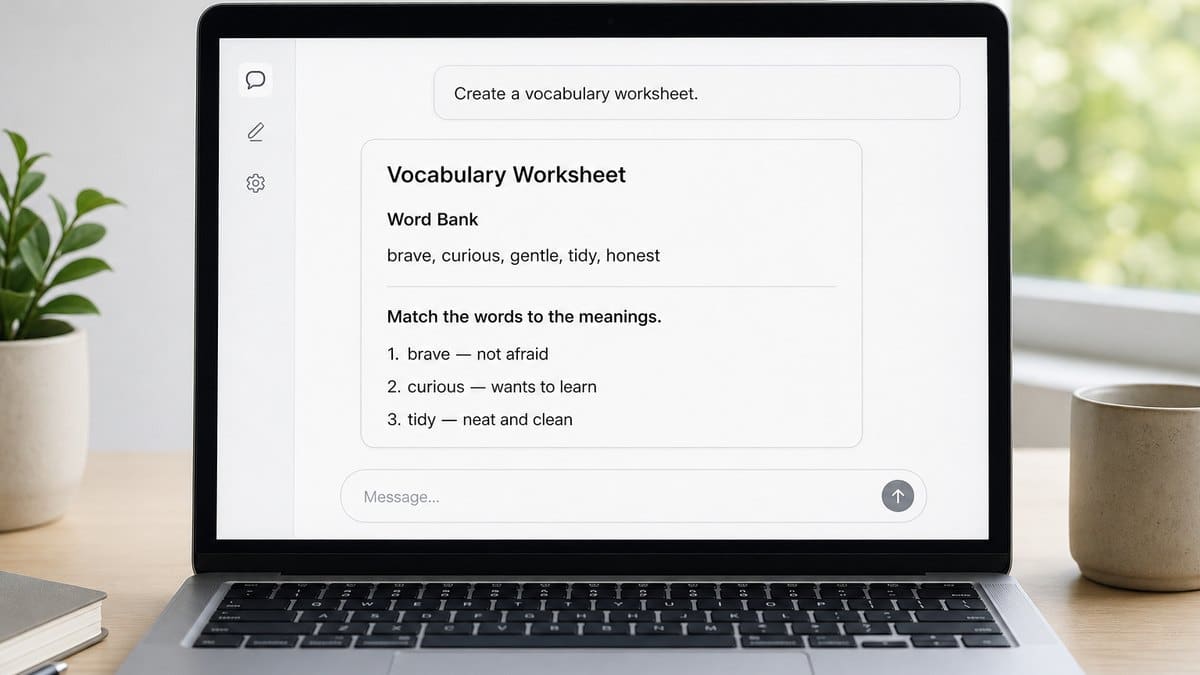
AI tools like ChatGPT, Claude, and Gemini can produce a differentiated worksheet with an answer key in seconds. But the output is only as good as the prompt. Here is how to write one that gives you a classroom-ready worksheet on the first try.
The five ingredients every worksheet prompt needs
Weak prompts leave these out and produce generic, off-level material. Include all five and the result usually needs only light editing:
- Grade, so vocabulary and reading level fit (for example, Grade 5).
- Proficiency level, the single most important detail (for example, WIDA Level 2 or ELPAC Expanding).
- Standard or objective, so the worksheet targets real language goals (aligned to WIDA speaking standards).
- Scaffolds you want: a word bank, sentence frames, visuals, a glossary.
- Output format: a printable worksheet with an answer key.
Weak prompt vs strong prompt
| Weak | Strong |
|---|---|
| Make a worksheet about the water cycle. | Make a water cycle worksheet for Grade 5 English Learners at WIDA Level 2. Include a labeled diagram, a word bank, sentence frames, and an answer key. |
The strong version is exactly what the builder at the top of this page produces. Generate it there, then refine.
Refine the output with one line
Treat the first result as a draft. Keep these copy-paste follow-ups handy:
- Make it one proficiency level lower.
- Add sentence frames and a word bank.
- Add a short partner speaking task using the vocabulary.
- Give me an answer key.
- Simplify the reading level but keep the academic vocabulary.
- Make it printable in black and white.
A 30-second check before you use it
Scan every AI worksheet for four things: the reading level really matches your students, the academic vocabulary is correct, there is a way for students to produce language (not just fill in blanks), and nothing is culturally off. Fix any miss with one of the follow-ups above, and never enter student data into a public tool.
How to Structure a Great Prompt
The builder above writes strong prompts for you. Knowing how they are built lets you tweak them with confidence. A good prompt grows in layers, from a bare request to an expert, classroom-ready one.
Basic (just the task): Make an ELL worksheet about the water cycle. Fast, but the output is generic and rarely on-level.
Better (adds grade, level, standard, and format): Make an ELL worksheet about the water cycle for Grade 5 at WIDA Level 2, with a labeled diagram, a word bank, fill-in-the-blank using academic vocabulary, and an answer key. Now it targets your students.
Expert (adds scaffolds, speaking, and differentiation): Make a water cycle worksheet for Grade 5, differentiated at WIDA Levels 1, 2, and 4, each with a diagram, word bank, sentence frames, a short writing task, a partner speaking activity, a newcomer scaffold, and a full answer key. This is what the builder produces.
Five techniques that upgrade any prompt
- Give the AI a role. Begin with “Act as an ESL teacher for English Learners” to set tone and expertise.
- Name the output format. “As a printable worksheet with an answer key” controls the result.
- Show an example (few-shot). Paste one item or sentence frame you like and add “use this style for the rest.”
- Differentiate in one prompt. Ask for the task “at WIDA Levels 1, 2, and 4” so one request covers your class.
- Iterate. Treat the first output as a draft: “make it one level lower,” “add sentence frames,” “shorten the reading.”
For a full prompt library across tasks, see AI prompts for ELL teachers.
Frequently Asked Questions
What are ELL worksheets?
Practice materials designed for English Language Learners that pair academic content with language scaffolds like word banks, sentence frames, and visuals, matched to a student’s proficiency level.
Where can I get free ELL worksheets?
Many sites offer free downloads, but they are rarely matched to your students’ exact level. Generating your own with AI is often faster and produces a better fit.
How do I differentiate a worksheet for different proficiency levels?
Ask an AI tool to produce the same worksheet at two or three WIDA or ELPAC levels, adding scaffolds for lower levels and extensions for higher ones.
Related Resources
Conclusion
Stop hunting for the worksheet that almost fits. With a good prompt, you can generate ELL worksheets that match your students’ exact level, complete with scaffolds and answer keys, in the time it takes to search a resource site. Then add the speaking practice a worksheet cannot give, and the learning follows.
Sources: WIDA Consortium; U.S. Department of Education, NCELA.
Paper Is Patient, but It Never Answers
A well-made worksheet can be a small work of craft: the right diagram, the right word bank, sentence frames pitched exactly at a student’s level, an answer key that saves the teacher an evening. For a mixed-proficiency class, that precise fit is a genuine gain over anything downloaded.
Yet the sheet, however perfect, sits still. It can prompt a student to speak but cannot hear the answer, correct a stumble, or push for one more sentence. English Learners grow fastest through spoken exchange, and that is the one output a page cannot produce. In a full class, the individual conversation that would complete the worksheet is exactly what a single teacher runs short of. The limit is capacity for talk, not the quality of the material.
So teachers are attaching their generated worksheets to something that supplies the missing exchange. Telo AI is one example, giving each student individualized conversational practice aligned to WIDA and to the vocabulary on the page, in English plus Spanish and French for bilingual programs.
See how the vocabulary on a worksheet becomes real conversation: https://mytelo.ai/how-telo-works/
A worksheet can carry a student right up to the moment of speaking and then, being paper, stop. The teachers who get the most from AI-made materials treat the printed page as the setup and make sure the conversation it invites actually happens for every learner.
Found this guide useful?
Preferred sources show up more often in your Google results, including AI Overviews.